


How to Send TRC-20 Tokens to Multiple Wallets at Once on Tron Network
Send TRC-20 tokens to multiple wallets at once with the CoinFactory Tron Multisender. Fast, secure, and easy bulk token distribution on Tron.
 CoinFactory
What Is a TRC-20 Token Multisender on Tron?
Managing token distributions manually on the Tron blockchain can quickly become slow and expensive, especially if you need to send tokens to dozens or even thousands of wallets. A TRC-20 multisender allows you to distribute tokens to multiple addresses in a single process, saving time and simplifying mass transfers.
Whether you are running an airdrop, rewarding community members, distributing presale tokens, or managing marketing campaigns, a Tron multisender tool helps automate the entire process without requiring programming knowledge.
With CoinFactory, you can easily send TRC-20 tokens to multiple wallets directly from your TronLink wallet in just a few clicks. The platform is designed for creators, communities, and businesses that need fast and efficient token distribution on the Tron network.
Step-by-step instructions
Step 1: Open the Tron Token Multisender on CoinFactory
Open the CoinFactory Tron Multisender tool in your browser. This tool allows you to distribute TRC-20 tokens to multiple wallet addresses from a single interface, making airdrops and bulk token transfers much faster than sending transactions manually.
Step 2: Connect Your TronLink Wallet
Click the Connect Wallet button and connect your TronLink wallet.
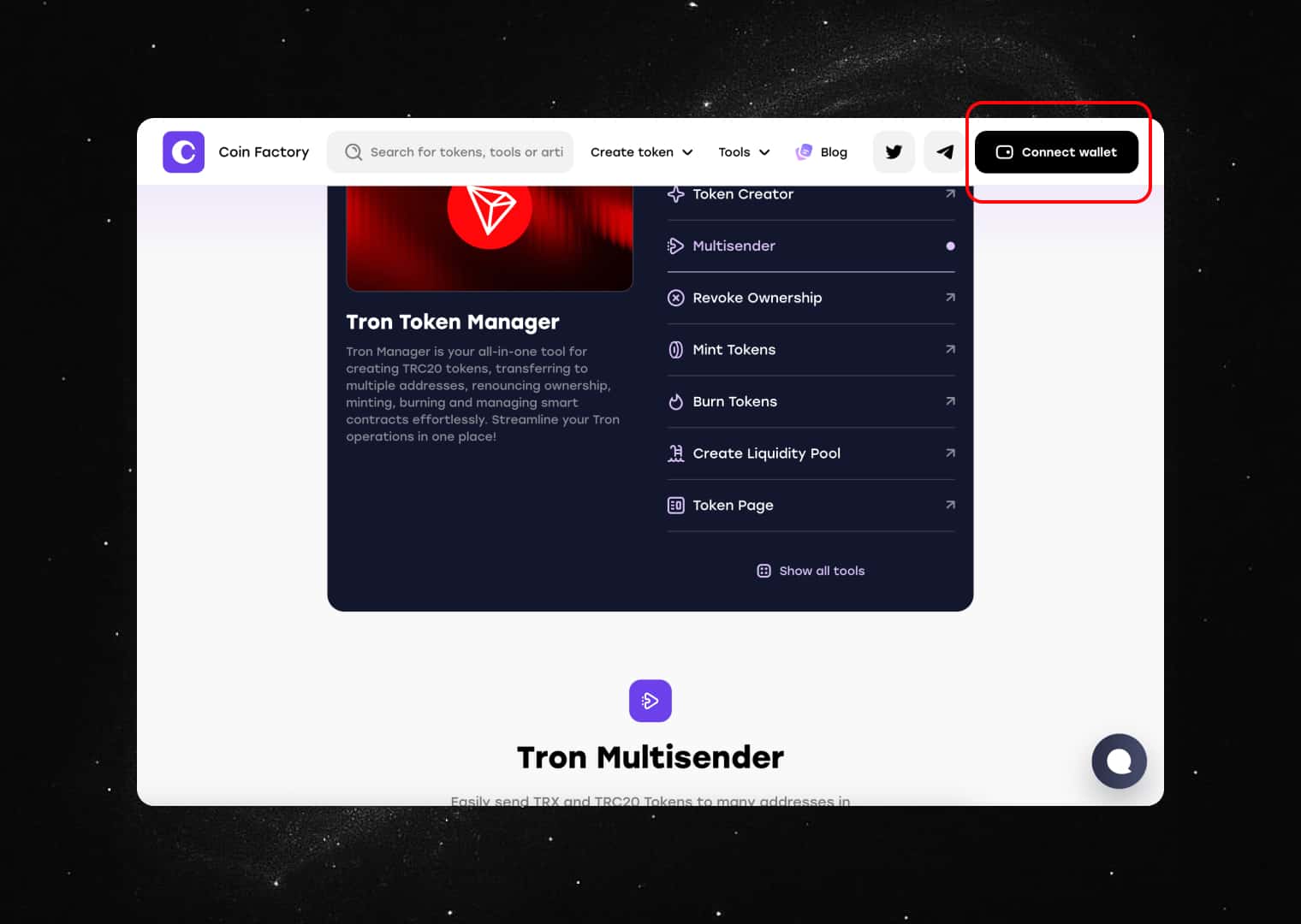
Make sure you are connected to the Tron network and have enough TRX available to cover network fees for the distribution.
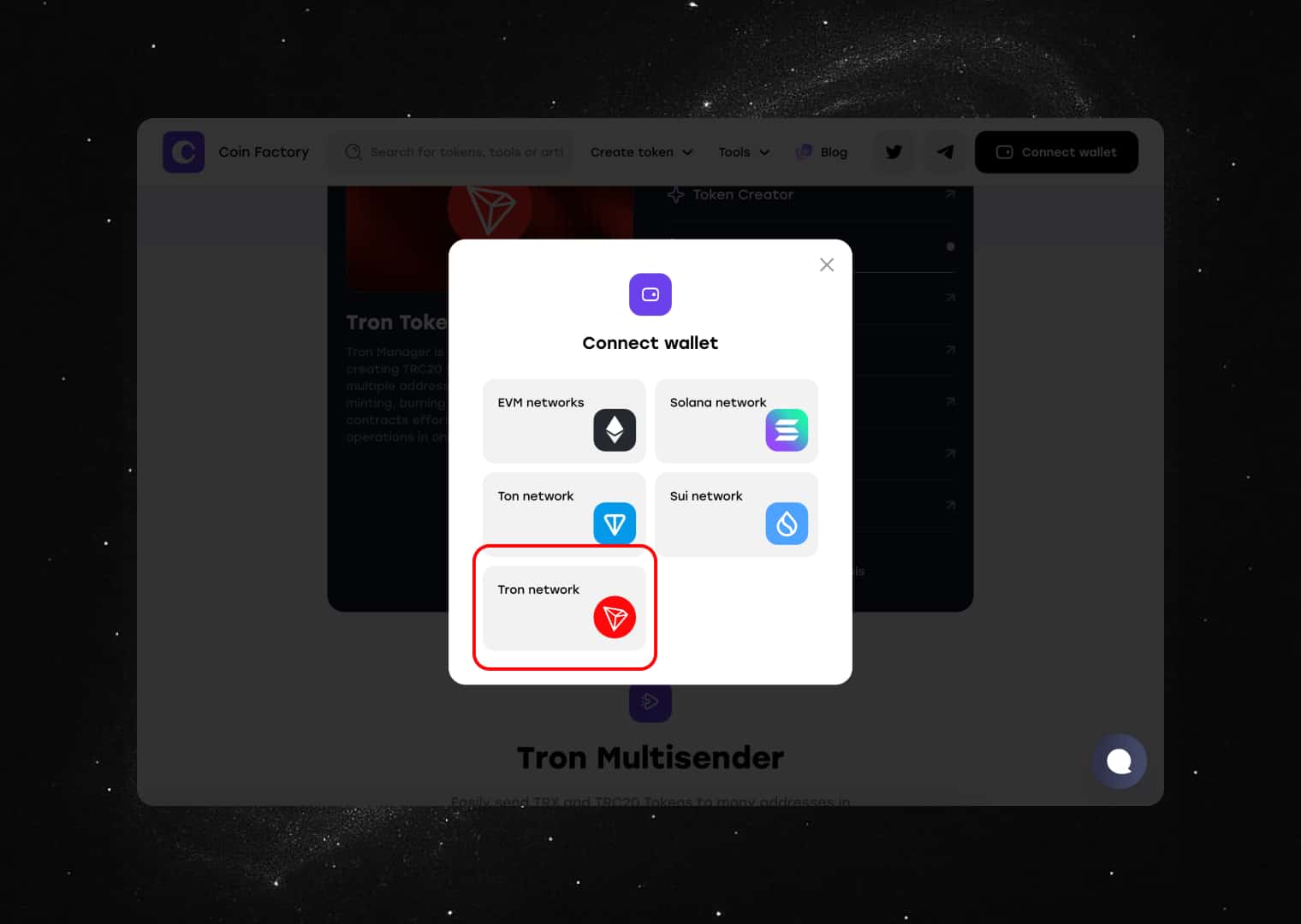
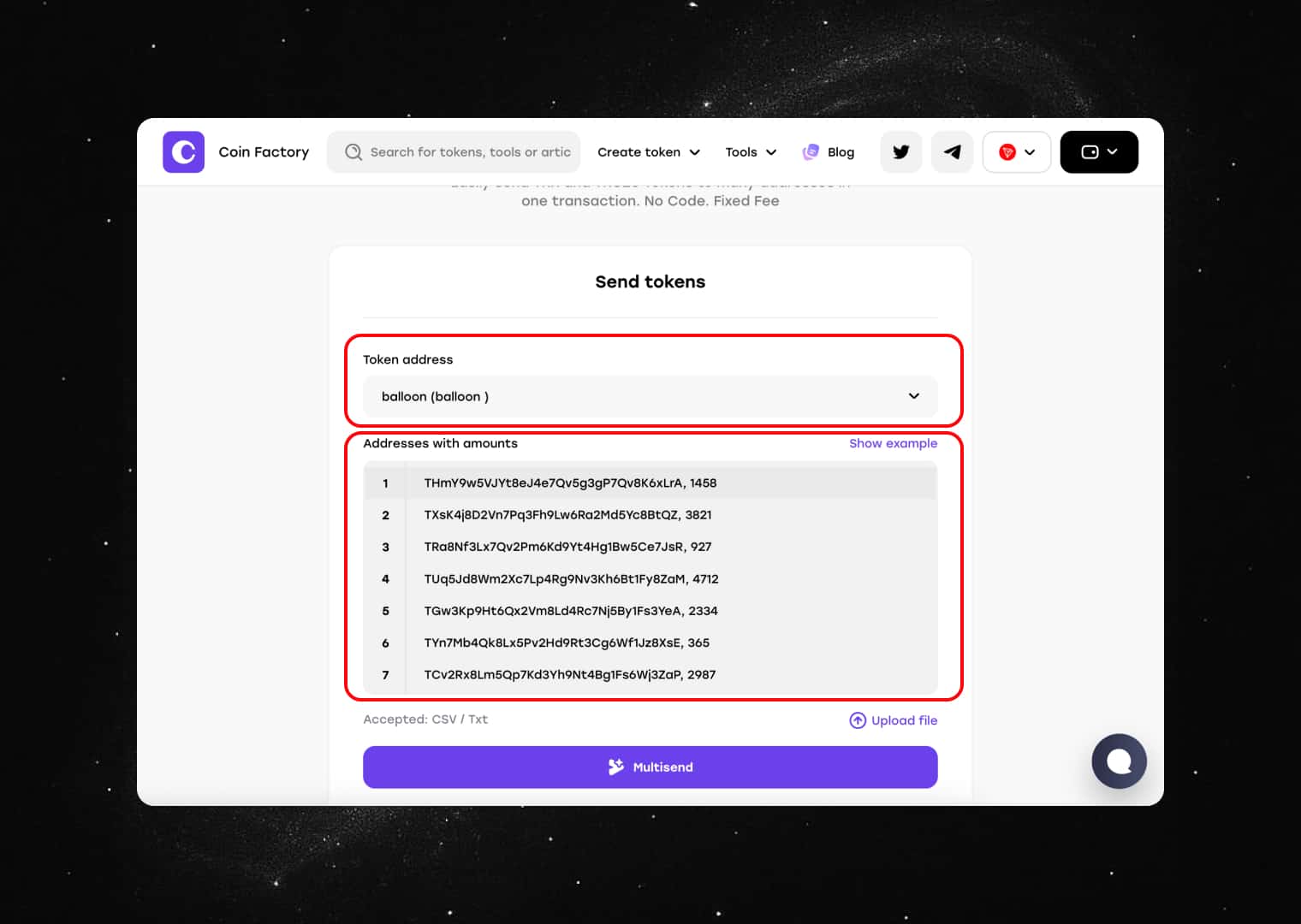
Step 3: Enter the TRC-20 Token and Recipient Details
Enter the contract address of the TRC-20 token you want to distribute. Then upload or paste the list of recipient wallet addresses along with the token amounts each address should receive.
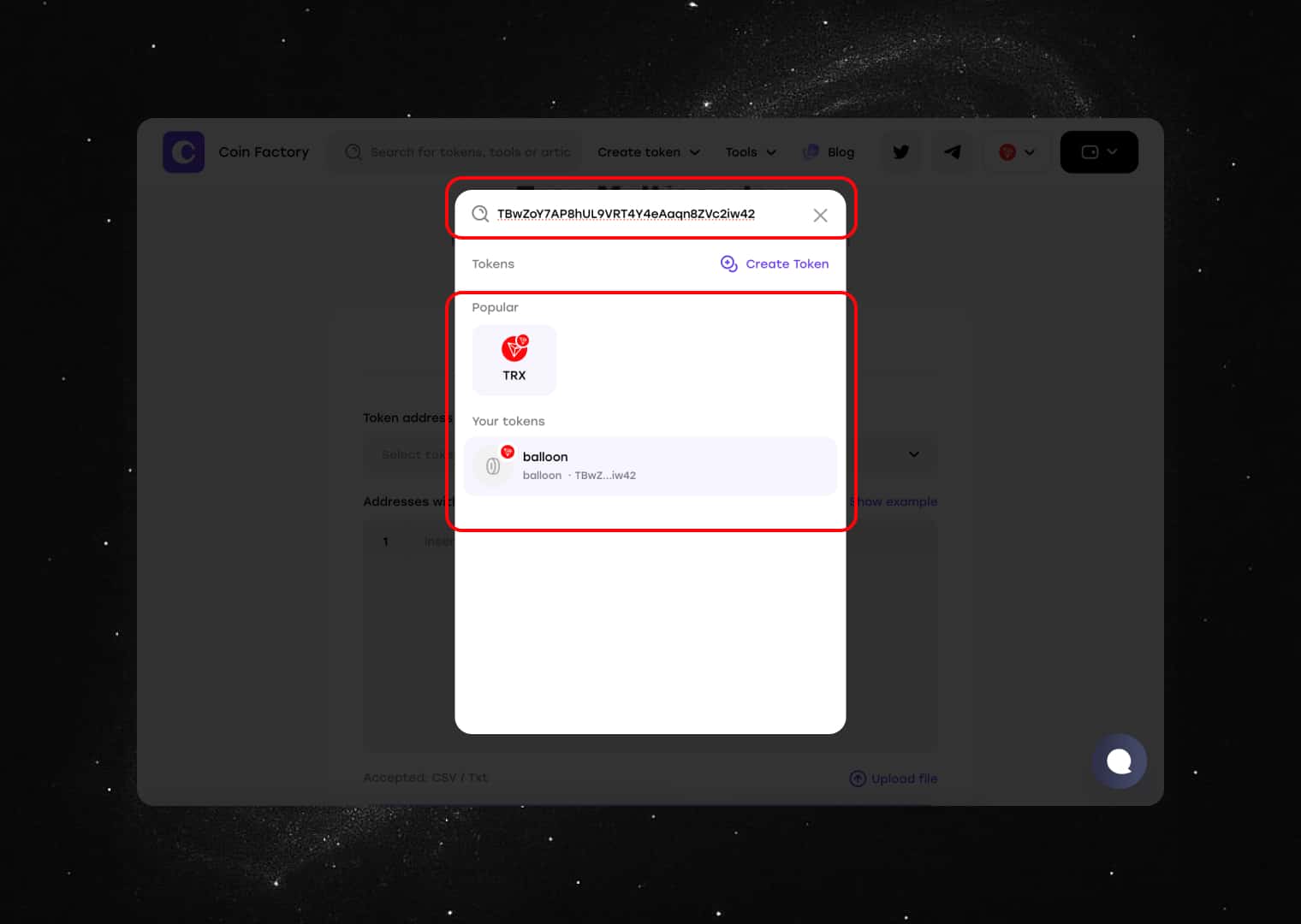
Carefully review all wallet addresses and amounts before proceeding. Incorrect information cannot be reversed once the transaction is confirmed on the blockchain.
Step 4: Review and Confirm the Token Distribution
Review the transaction summary and click Multisend. TronLink will open a confirmation window showing the network fee and transaction details.
After confirming the transaction, CoinFactory will automatically distribute your tokens to all specified recipients.
Conclusion
Sending TRC-20 tokens to multiple wallets manually can be time-consuming and prone to errors. With the CoinFactory Tron Multisender, you can distribute tokens to hundreds or even thousands of addresses in just a few clicks.
Whether you’re running an airdrop, rewarding community members, distributing presale allocations, or managing token campaigns, CoinFactory makes bulk token transfers on the Tron network simple, fast, and accessible without coding.
Tags

Guide
Tron
Tron multisender
Trc20 multisender
Bulk transfer
Token airdrop


